
Documents
schedule3 min read
Using Drafts
Drafts help you separate documents that still need work.
Drafts
Drafts are documents that were uploaded but not yet sent. Open a draft when you need to continue adding signers, placing fields, or reviewing settings before sending.
- Open Drafts from the document navigation.
- Find the draft document.
- Click Open to continue the workflow.
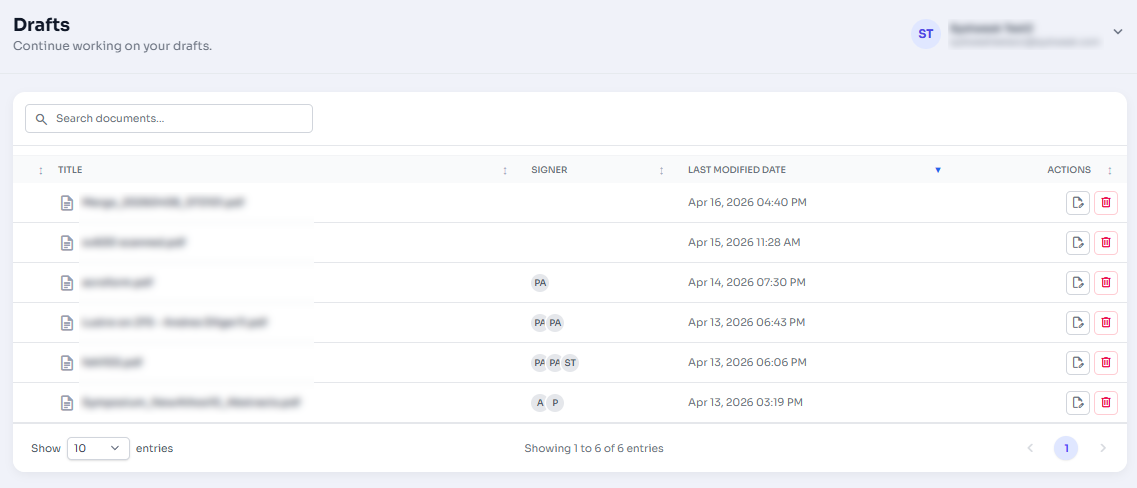
Figure 1: Drafts list with Open action.